
Can Vision AI detect Game of Thrones Coffee Cup
In Game of Thrones, season #8 episode #4 Starbucks coffee cup played a cameo role in the post war feast. I was wondering how someone spotted this, when you are immersed in the episode itself. It’s ...
In Game of Thrones, season #8 episode #4 Starbucks coffee cup played a cameo role in the post war feast. I was wondering how someone spotted this, when you are immersed in the episode itself. It’s ...

If you are the owner to SharePoint modern team site, you should be familiar with the Microsoft Teams creation prompt which shows up in the left bottom corner of the page. Microsoft has added this f...

You have created a modern team site, and now you are thinking about adding a custom or default webpart then this post should be helpful. Think about something like adding a site contact while provi...

It has become a kind of tradition for me to write this component to export selected items to excel, whenever there is new model or approach of development in SharePoint. It all started with the Sha...
If you are into SharePoint development, then you should be familiar with your best friend _spPageContextInfo which gives you more valuable context based information. You can also access the same no...

If you are already using SharePoint Online Communication sites, would have noticed that its not showing up in the SharePoint admin center to manage or its not listed in Office 365 admin center. So ...
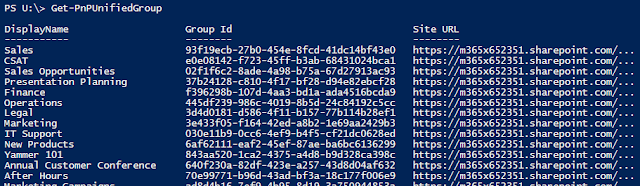
Run the below script and enter tenant admin credentials when prompted. Here is the complete list of scope and permissions - https://developer.microsoft.com/en-us/graph/docs/concepts/permissions_ref...
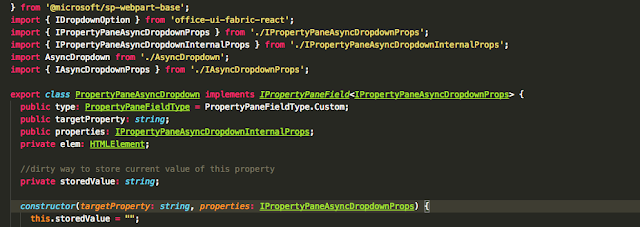
When you encounter the below error, while using state object in react based webpart created by yeoman generator. error TS2339: Property ‘items’ does not exist on type ‘Readonly<{}>’ Fol...

Here are my five points why I use the classic library experience even in a modern team site, or the site provisioned with office 365 groups. 1. Required columns are not mandatory All the time we w...
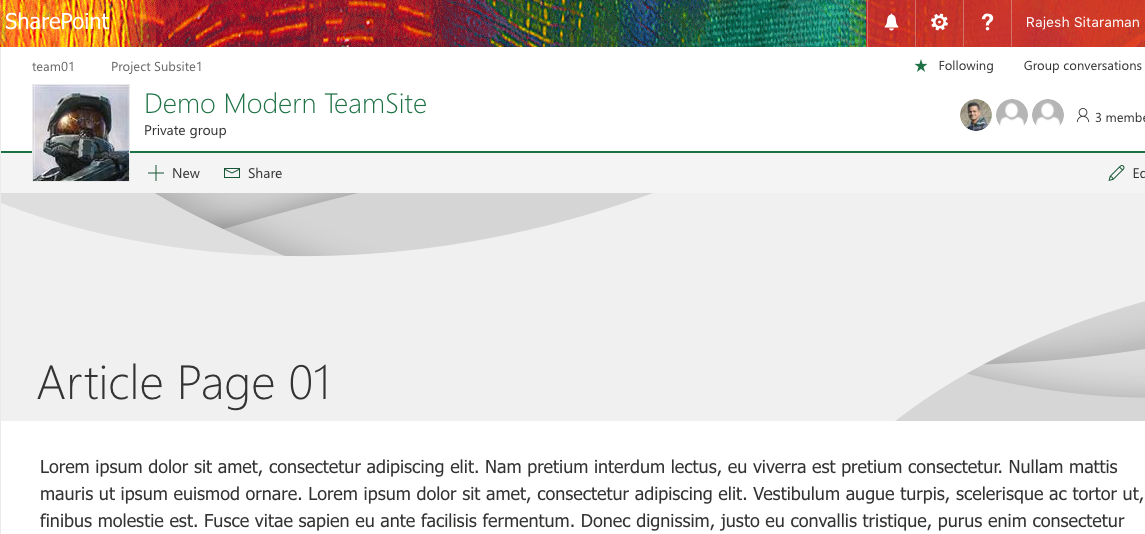
I’m vivid user of modern teams sites, modern pages and started strongly recommending our clients to use Office 365 groups and modern team sites. I was also looking for some options to reduce the he...